Sticker sheet information
We hope that you enjoy your Edison robot sticker sheets.
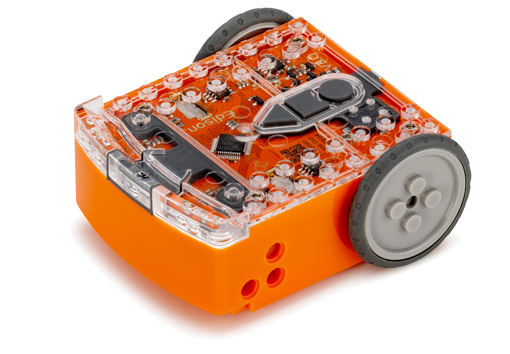
Be sure to refer to our Edison V3 sticker placement guide before applying your stickers to avoid covering sensors or speaker holes.

Place face stickers on the front orange surface of your Edison V3 robot. Do not cover the clear front section.

Use the same number on an Edison V3 robot and its EdRemote so that students can identify the matching pair.

Place name and large number stickers on the rear orange surface of your Edison V3 robots. Ensure you do not cover the EdCharger contact holes.

Match each EdCharger charging bay’s number to an Edison V3 robot, so students know exactly where to return it.